8 Ways vu.ai Can Transform Your Workflows
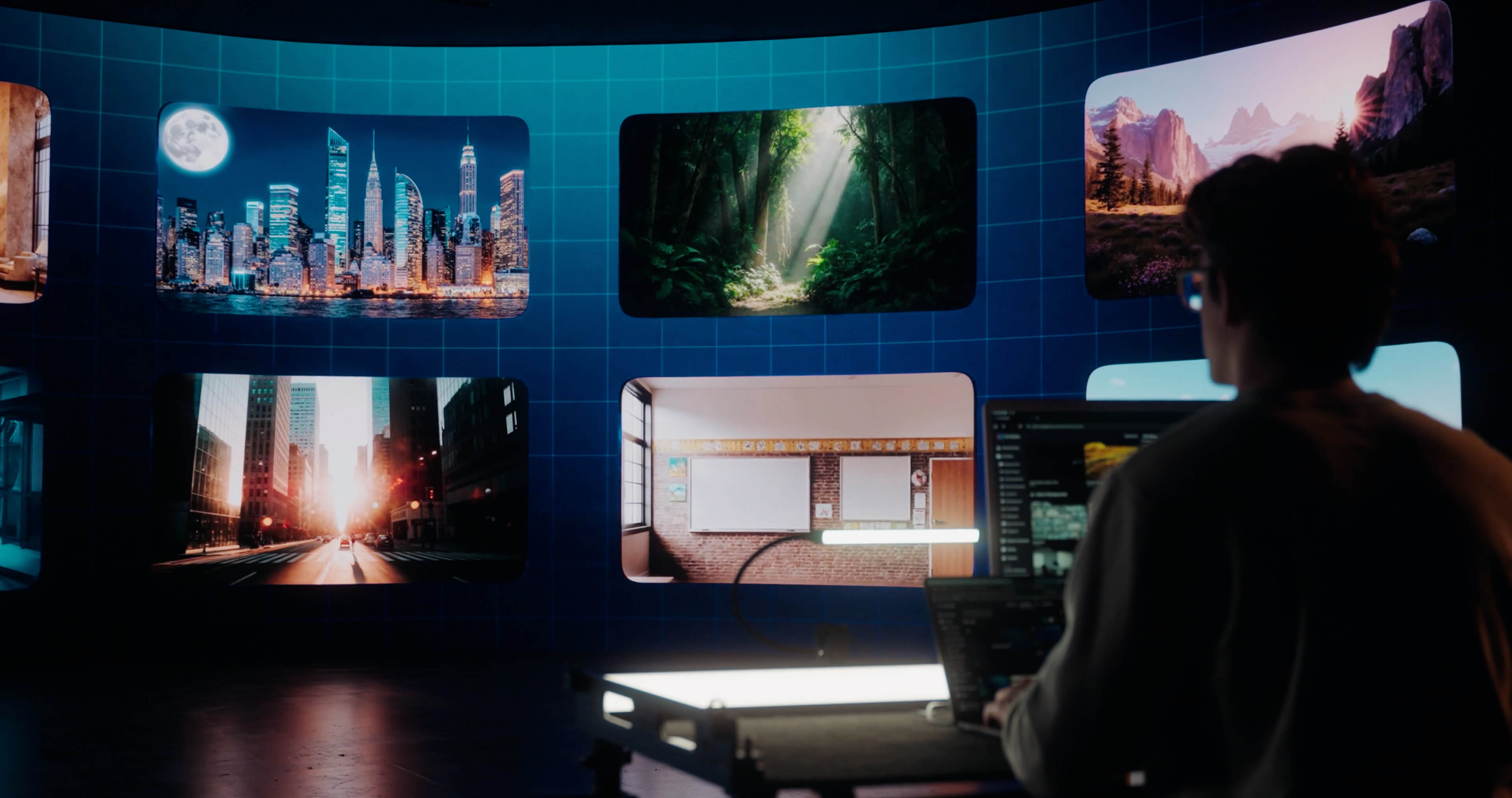
You probably already know ChatGPT, Claude, and Gemini. But what if your AI could actually work inside your creative workflow?
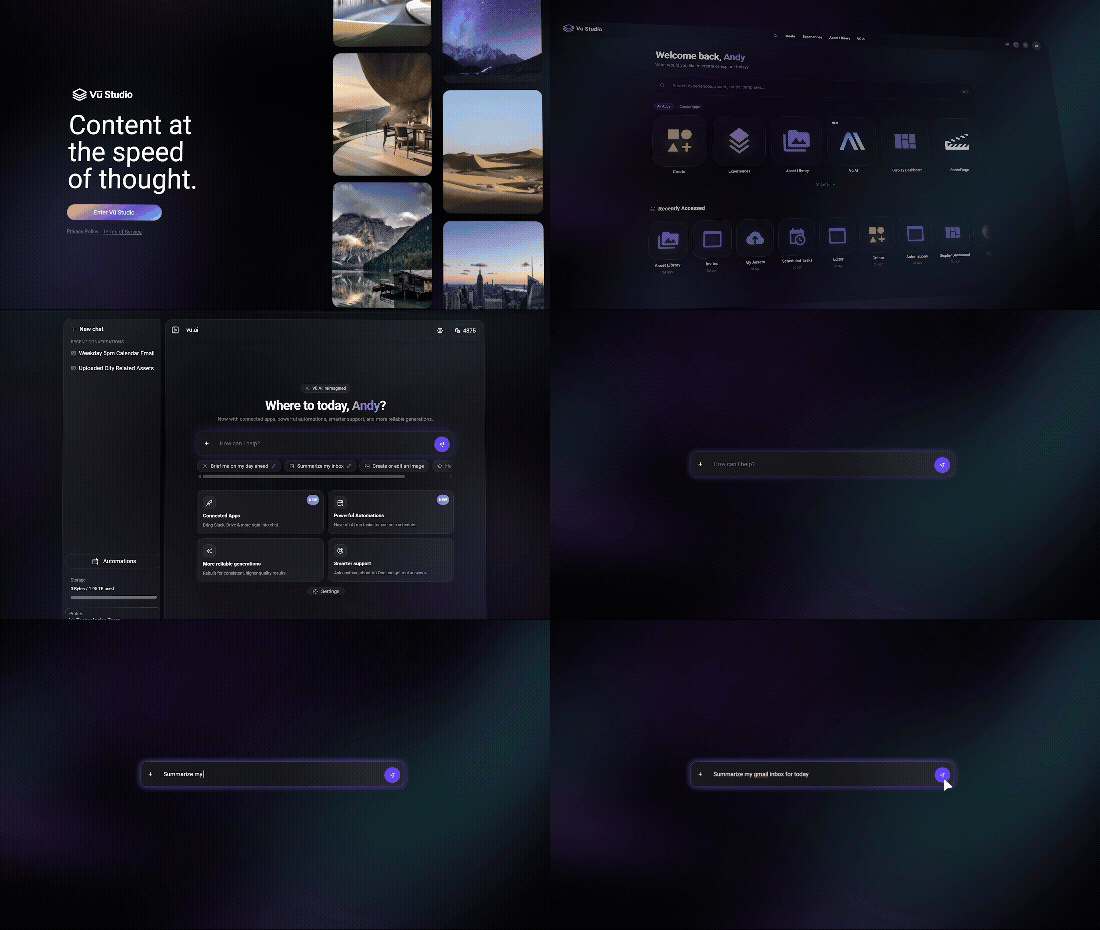
That’s where vu.ai comes in. Built into Vū Studio, vu.ai brings generative AI directly into the creative process, helping you create content, edit visuals, organize files, build scenes, and take action without leaving your workflow.
Instead of using AI as a separate chatbot or jumping between multiple creative tools, you can use natural language to create, manage, and transform content right where you're already working.
Whether you're creating content, building an interactive experience, or managing a growing library of assets, here are eight ways you can use vu.ai today.
1. Create and Share Interactive Experiences
Vu.ai is moving beyond AI content creation and into the experience itself.
With Vū Studio, you can build and share Microsites that bring content, information, and interactive elements together in one place. Whether you're creating a digital experience for an event, sharing resources with an audience, or building an interactive destination for your content, you can go from idea to published experience without adding another platform to your workflow.
And if you're looking to bring AI into your meetings, brainstorming sessions, and customer innovation workshops, Vū Intelligence can take that even further. Contact us to learn more about how it can help capture conversations, identify opportunities, and turn discussions into actionable outcomes HERE.
2. Build and Update Scenes
Creating content is one thing. Turning that content into an experience is another.
Vu.ai can help you create and update scenes directly inside Vū Studio. Instead of navigating through multiple menus and steps, you can use natural language to describe what you want and let vu.ai help make the changes.
It's a simpler approach to building, refining, and managing the environments that power your experiences, with AI working directly within your creative workflow.
3. Work With the Files You Already Have
You don't have to start with a blank prompt.
Upload PDFs, PowerPoint presentations, images, and other files to give vu.ai more context about what you're working on. Your existing content can become part of the conversation, helping you create and work from information you already have.
This gives vu.ai the context it needs to work with your content instead of making you start from scratch. It's a more practical approach to AI: bring your work with you instead of rebuilding it somewhere else.
4. Turn Ideas Into Video
Static images are only part of the story.
Vu.ai can also generate video clips from prompts, giving you AI video generation directly inside your creative workflow. Create motion content, backgrounds, and visual elements for your next project without searching through stock libraries or building every visual from scratch.
Start with an idea, describe what you want, and let generative AI help bring it into motion.
5. Generate Images From a Prompt
Have an idea but need a visual to bring it to life?
Vu.ai can generate custom images directly inside Vū Studio. Create backgrounds, environments, concepts, and other visual assets from a simple text prompt using AI image generation without leaving your workflow.
It's a faster way to explore ideas, iterate on concepts, and create the visuals you need without starting with a blank canvas.
6. Edit Existing Images With AI
AI content creation doesn't always mean starting over.
Upload an existing image to Vū Studio and ask vu.ai to make changes. You can remove elements, replace objects, expand the canvas, change the environment, or use reference images to guide a new creation.
That makes AI image editing part of the same workflow as everything else you're already creating in Vū Studio, making it easier to refine existing content as quickly as you can generate something new.
7. Organize Your Content
Creative workflows can get messy quickly, especially when you're managing a growing library of assets.
Vu.ai can handle everyday content management tasks directly through conversation. Rename assets, move files, create folders, and organize your library without manually working through each task.
This is where AI workflow automation can make a practical difference: less time spent on repetitive tasks and more time spent creating.
8. Find Anything in Your Library
Looking for an asset shouldn't depend on remembering its filename.
Vu.ai lets you search your Vū Studio library using natural language and visual descriptions. Instead of remembering exactly what something was called, you can describe what you're looking for and let AI help find it.
That makes large content libraries easier to navigate and gives you a faster way to find the right content when you need it.
More Than an AI Assistant
The biggest shift with vu.ai is simple: it doesn't just answer questions. It can do things.
It can create an image. Generate a video. Edit an asset. Build a scene. Organize your library. Find the file you're looking for. Work with your existing content. And help turn your ideas into interactive experiences.
That's where AI becomes more than another tool in your stack. It becomes part of the creative workflow itself.
Vū Studio brings these generative AI capabilities together so you can spend less time moving between tools and more time creating.
Ready to see what vu.ai can do? Sign up for Vū Studio and start asking: HERE
.jpg)
%20(1).png)

